







Administration
Latest
WA Student Assistance Payment
The WA Student Assistance Payment (WASAP) is an initiative starting on 15 April providing...


Latest News
Latest
FCPS Mother’s Day Stall & Sweet Treats Day
Forest Crescent P & C is excited to hold our annual MotherMother’stall, where your child...


- All
- Latest News
- Administration
- Sustainable Initiative
- P & C Association
- Achievements
FCPS Mother’s Day Stall & Sweet Treats Day
Forest Crescent P & C is excited to hold our annual MotherMother’stall, where your child...


FCPS Mother’s Day Stall & Sweet Treats Day
Forest Crescent P & C is excited to hold our annual MotherMother’stall, where your child...

WA Student Assistance Payment
The WA Student Assistance Payment (WASAP) is an initiative starting on 15 April providing...


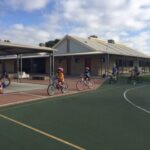
Your Move-Wheel or Walk to School
Come and see Mr Holmes with Year 6 students Jessica and Citra Wednesday morning between 8am and...

FCPS Mother’s Day Stall & Sweet Treats Day
Forest Crescent P & C is excited to hold our annual MotherMother’stall, where your child...




FCPS Leadership Day
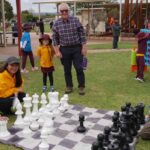
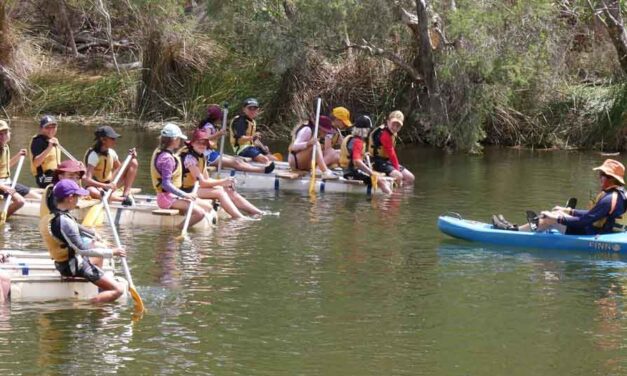
Last Monday, I spent the day getting to know our 18 school leaders, 10 Student Councillors and 8...



FCPS Outside School Care

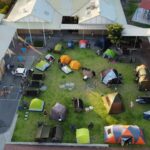
We are proud to partner with Camp Australia to provide our Outside School Hours Care (OSHC) program. Camp Australia programs are centred on child enrichment, while ensuring a reliable, engaging and hassle-free OSHC service at our school. Their engaged educators foster a safe, inclusive environment where children can relax, have fun and grow. Camp Australia recognises that children need a different experience in term time to the experience they have on their holidays. Families can choose Your OSHC for before and after school experiences during term, or Rocketeers during the holidays.